Web Design
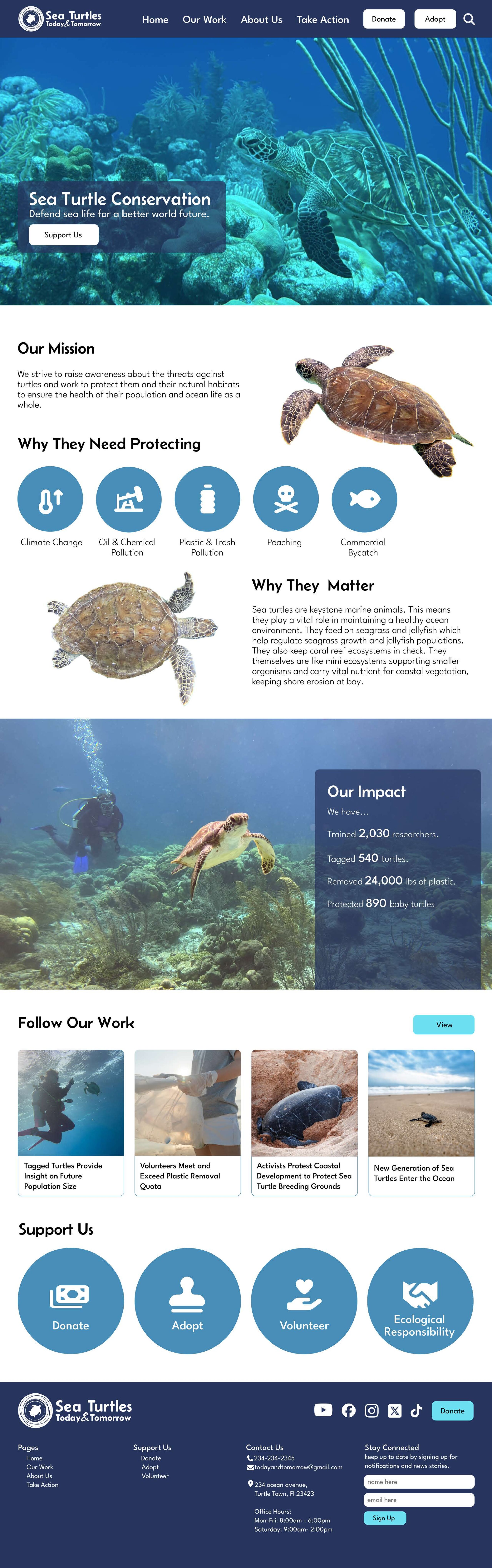
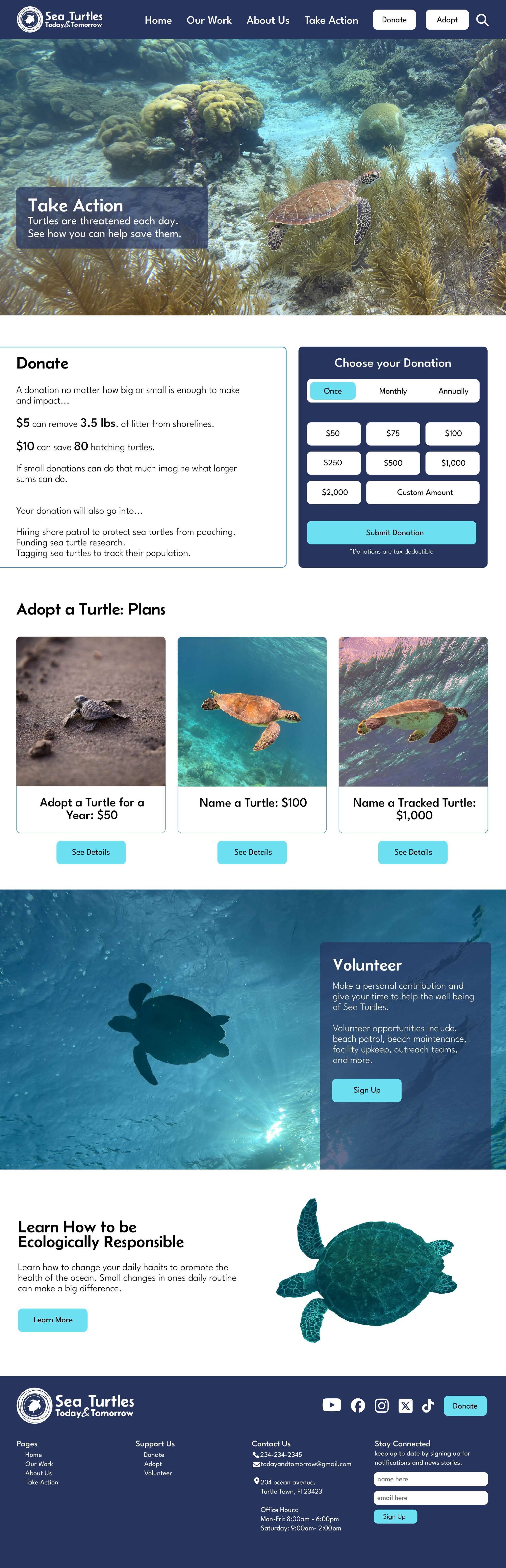
Sea Turtle Conservatory
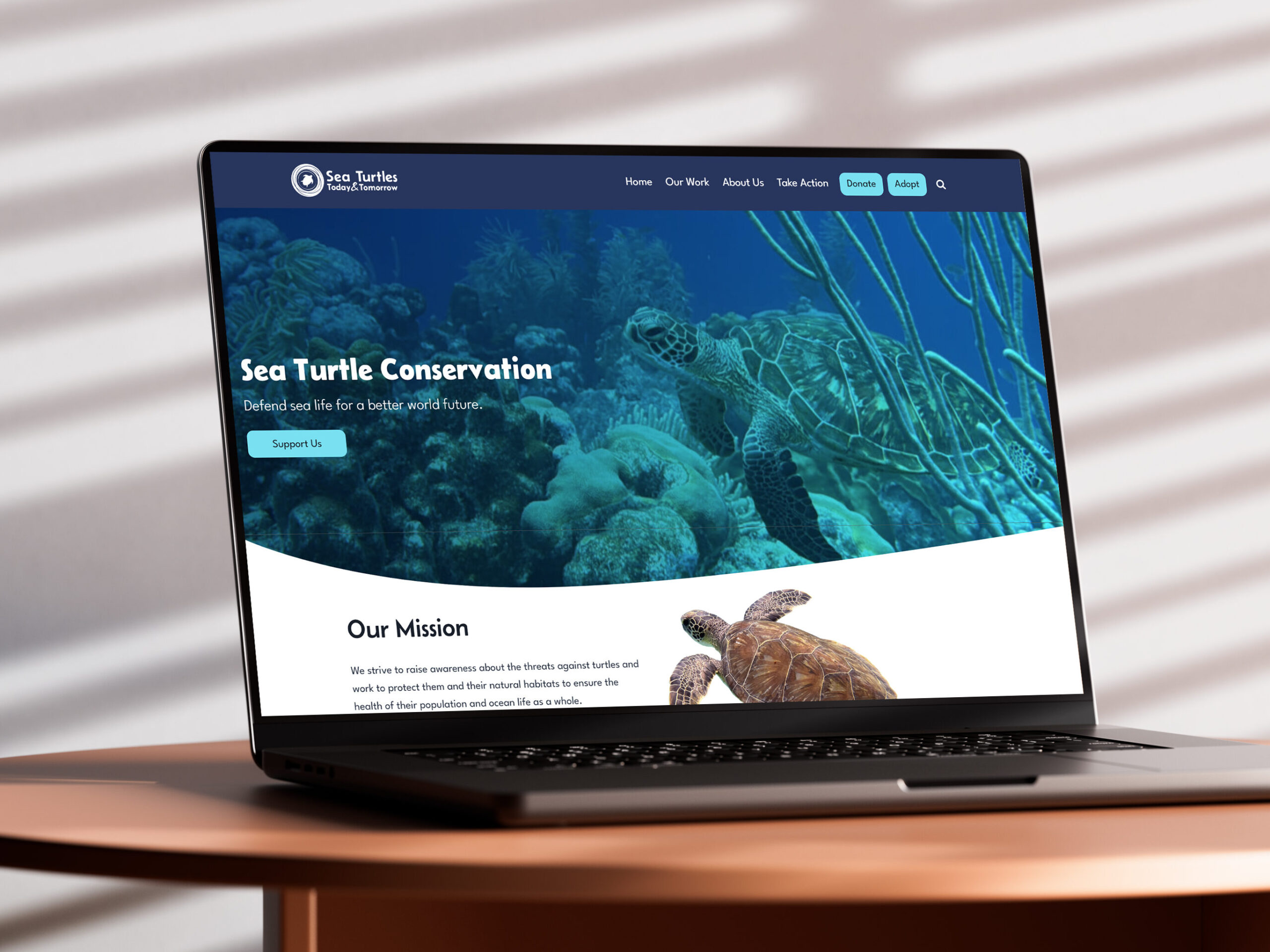
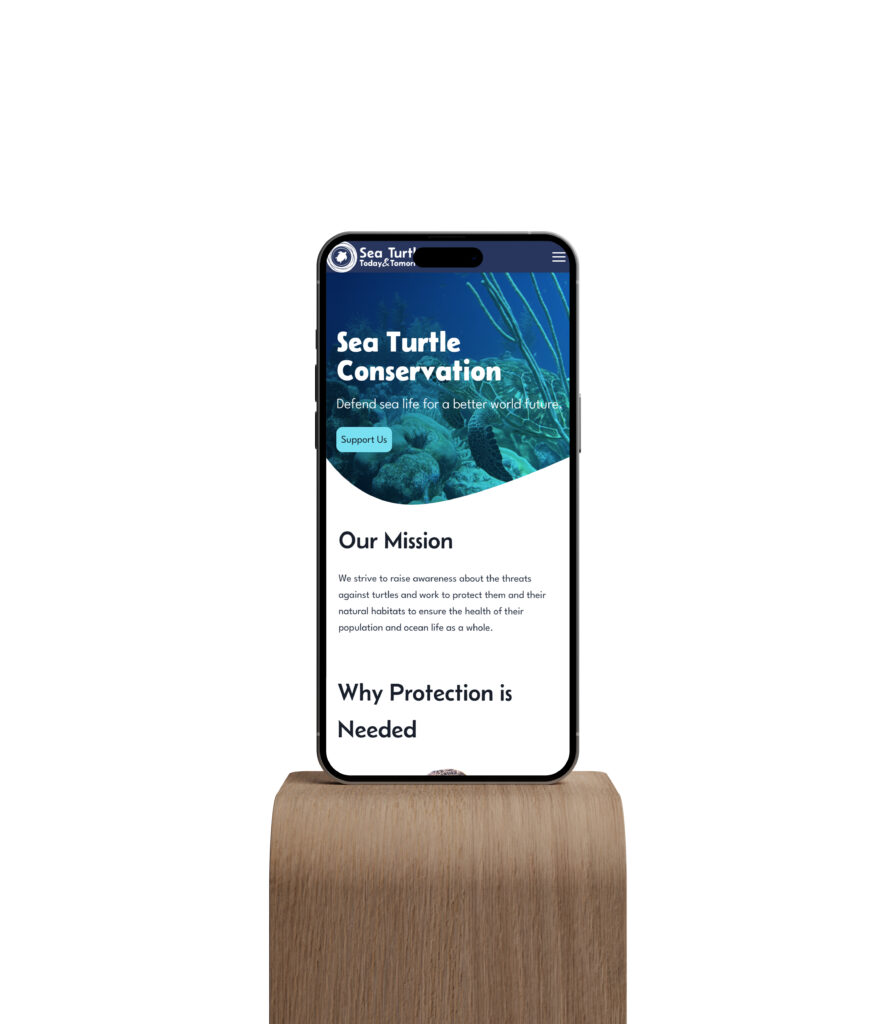
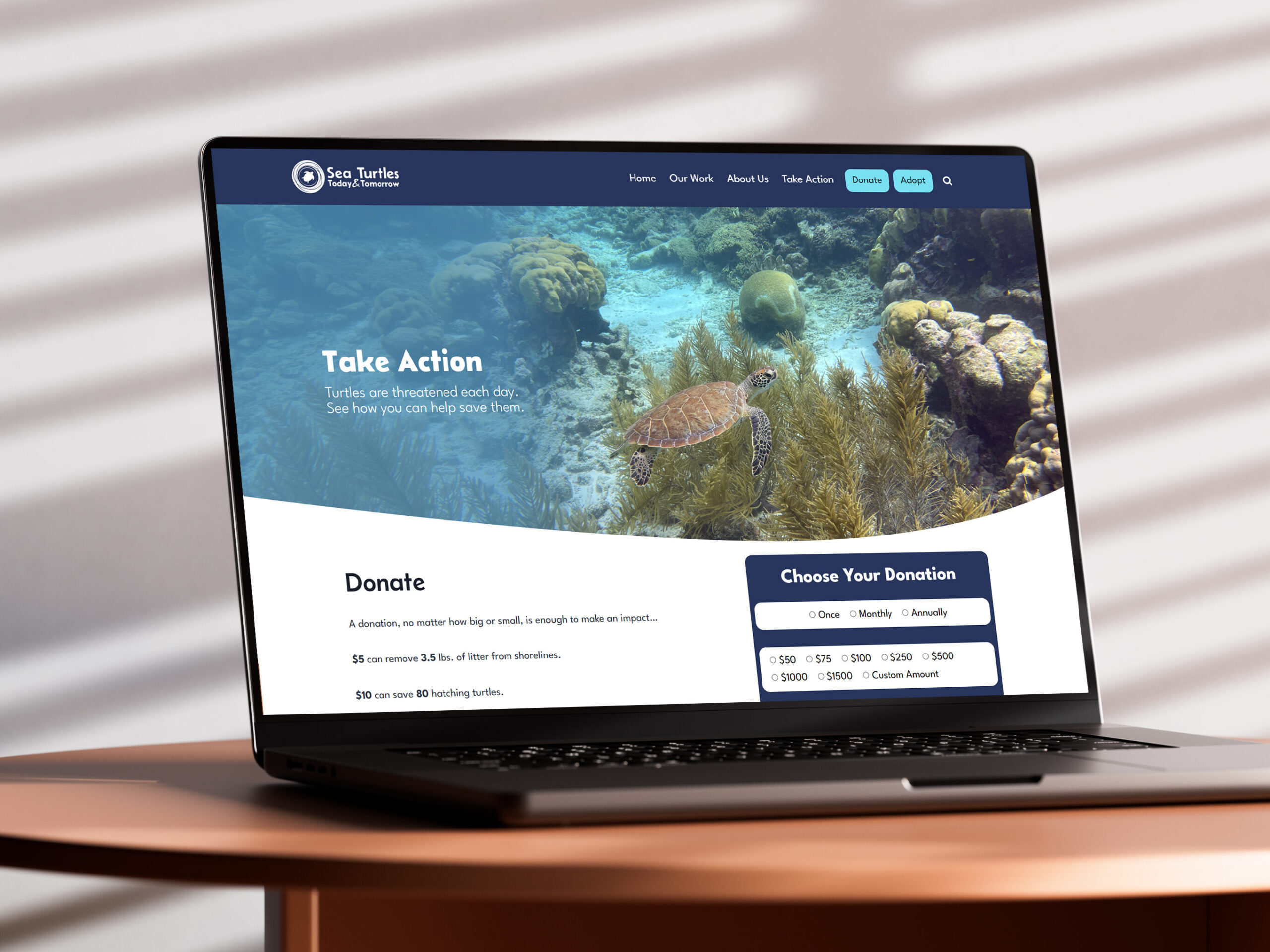
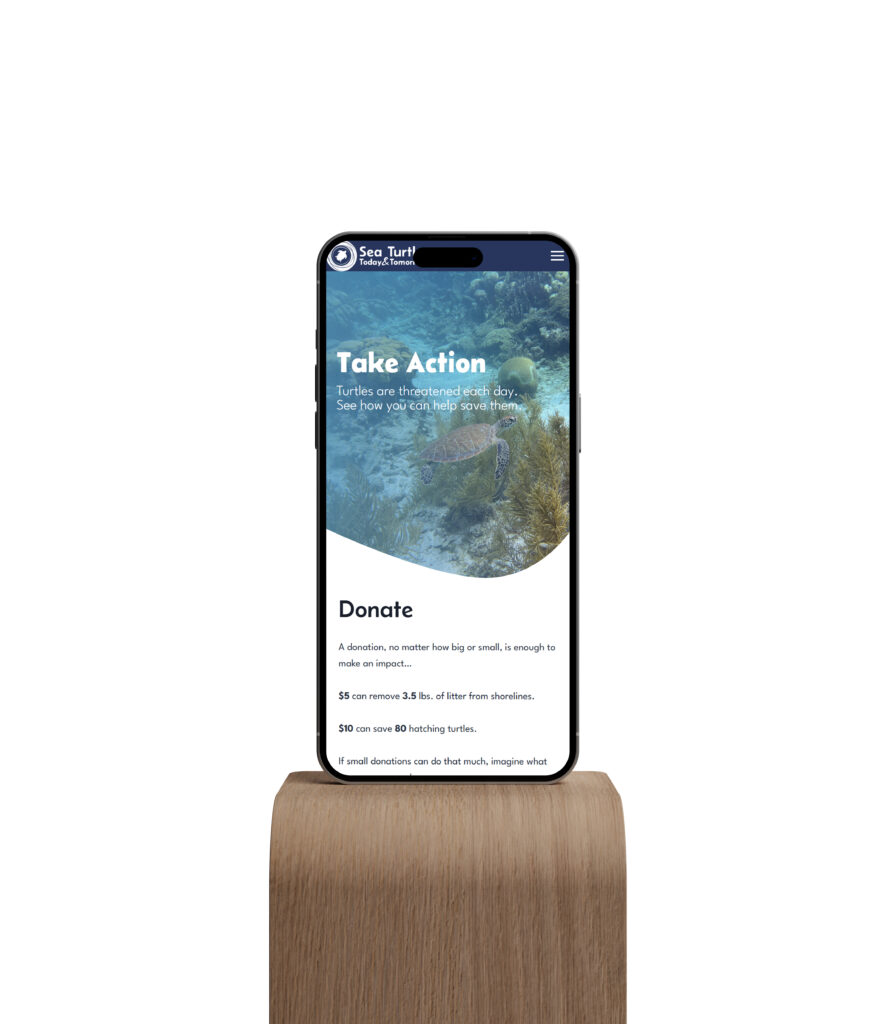
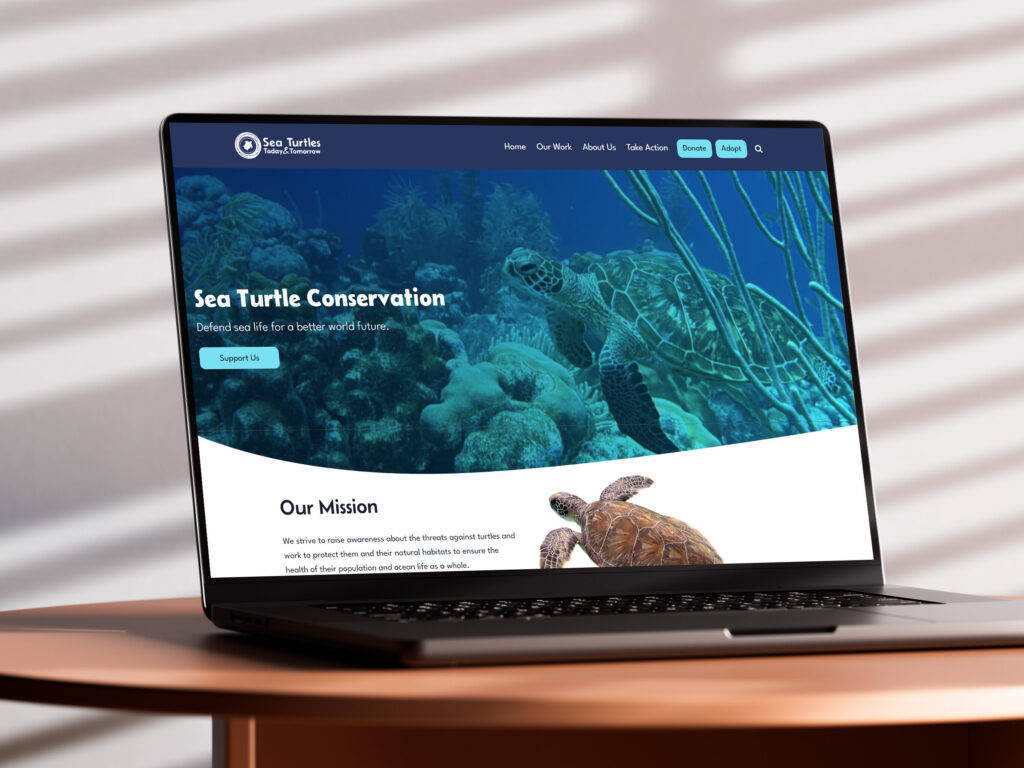
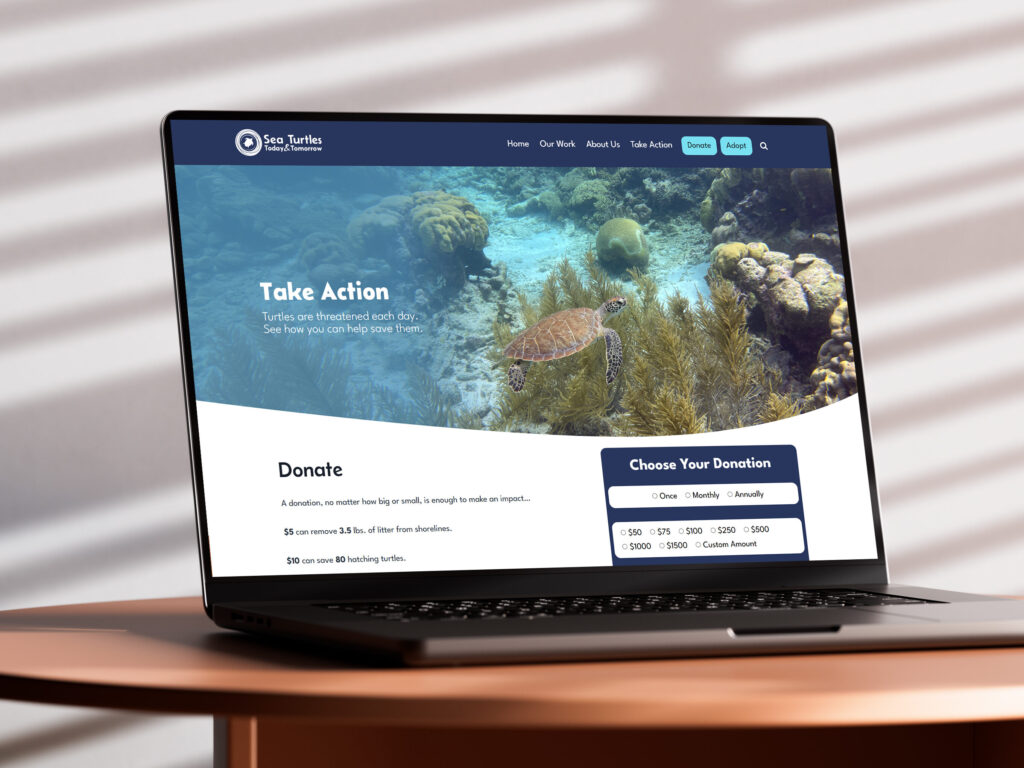
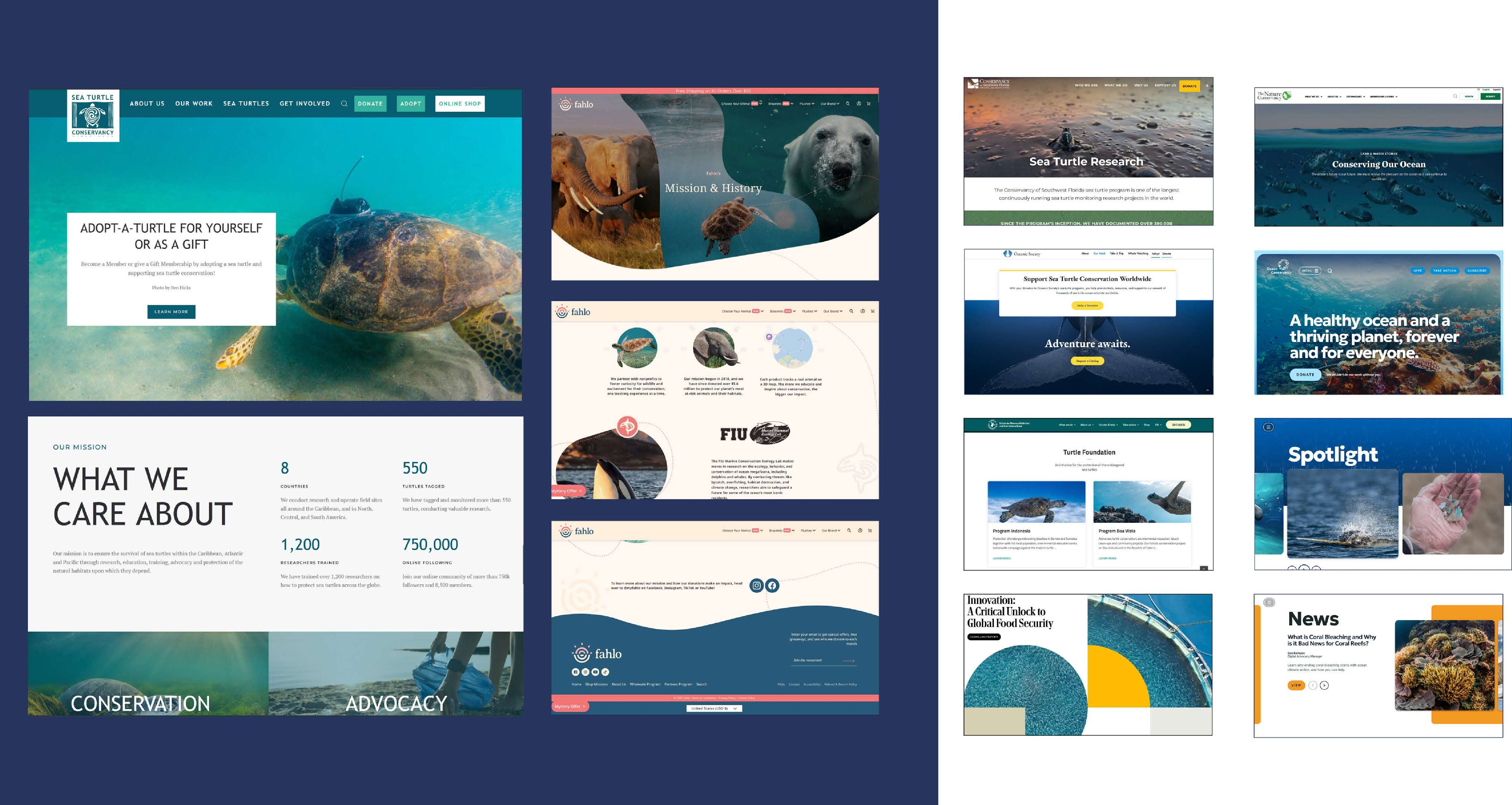
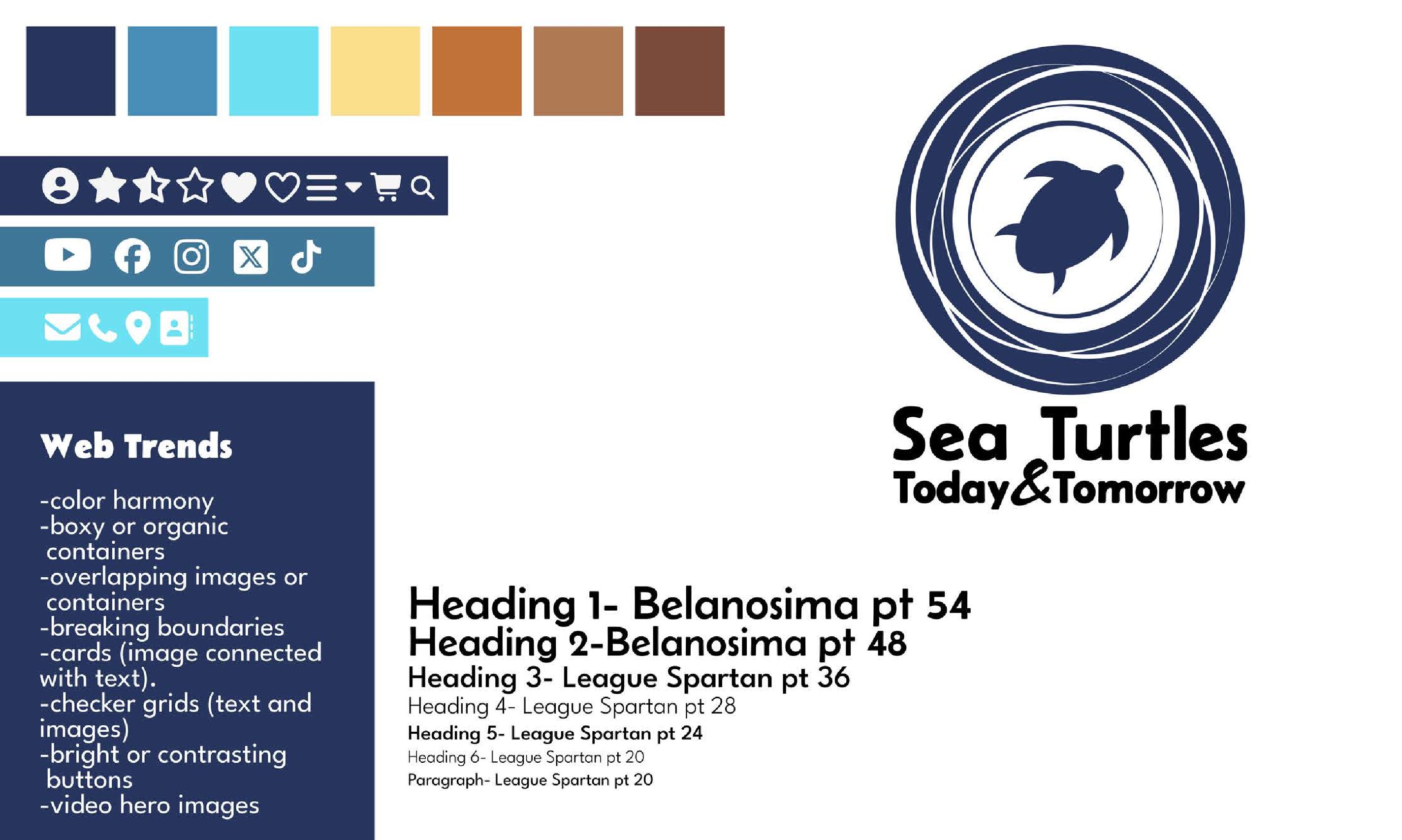
The goal of this site was to create a sea turtle conservation site using the Kadence WordPress theme. To start, I used Figma to create a moodboard, assemble research, and plan the layout and content. After planning, I used the different drag-and-drop design features provided by the Kadence theme to build the design. This platform made it easy to add interactive features and alter screen displays across platforms. This was the first website I built using this method, so it took some time to find the location of different functional and style options. This obstacle fostered communication within the class. We shared what we learned in our own time and helped each other achieve the desired outcomes.
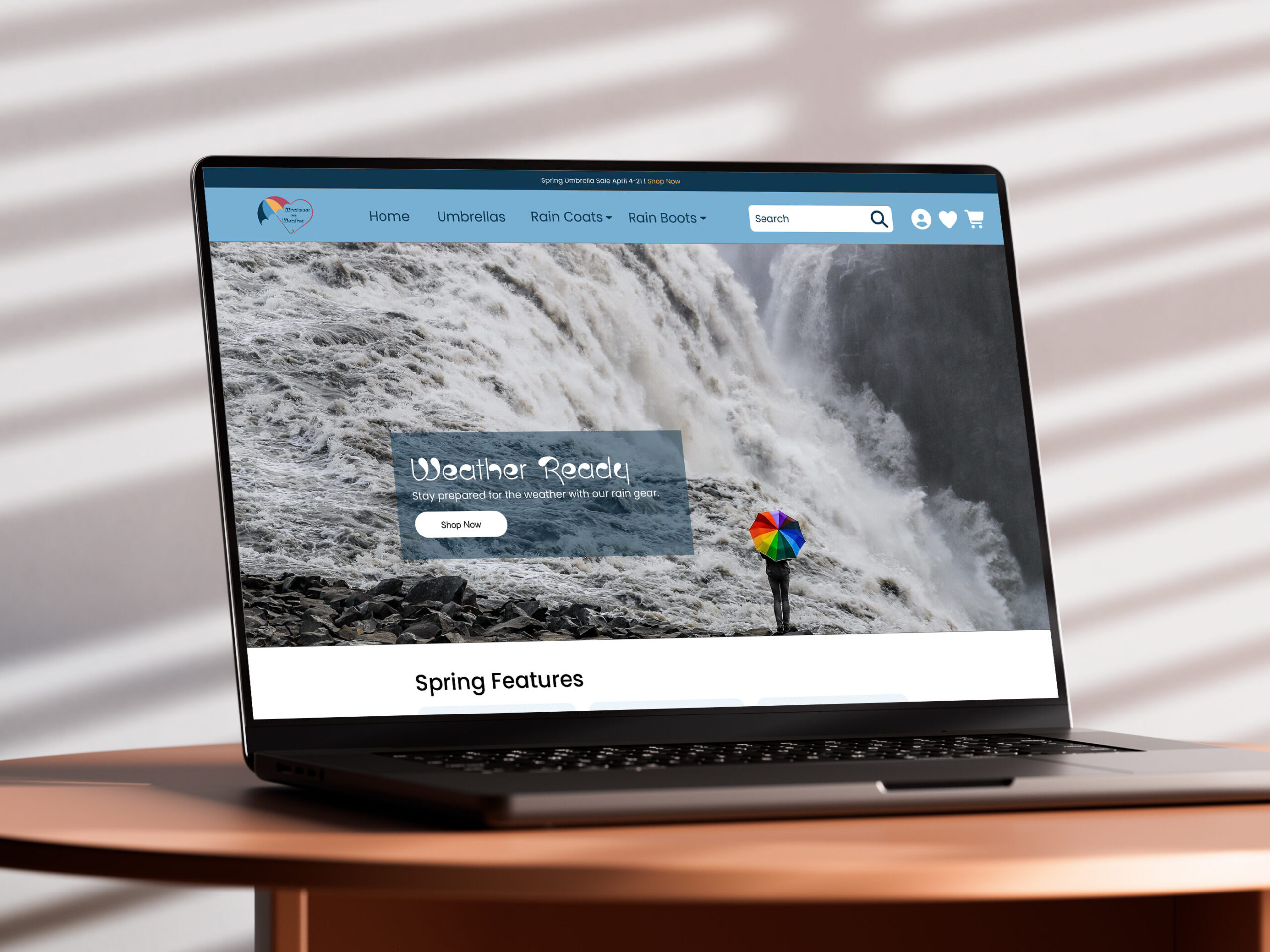
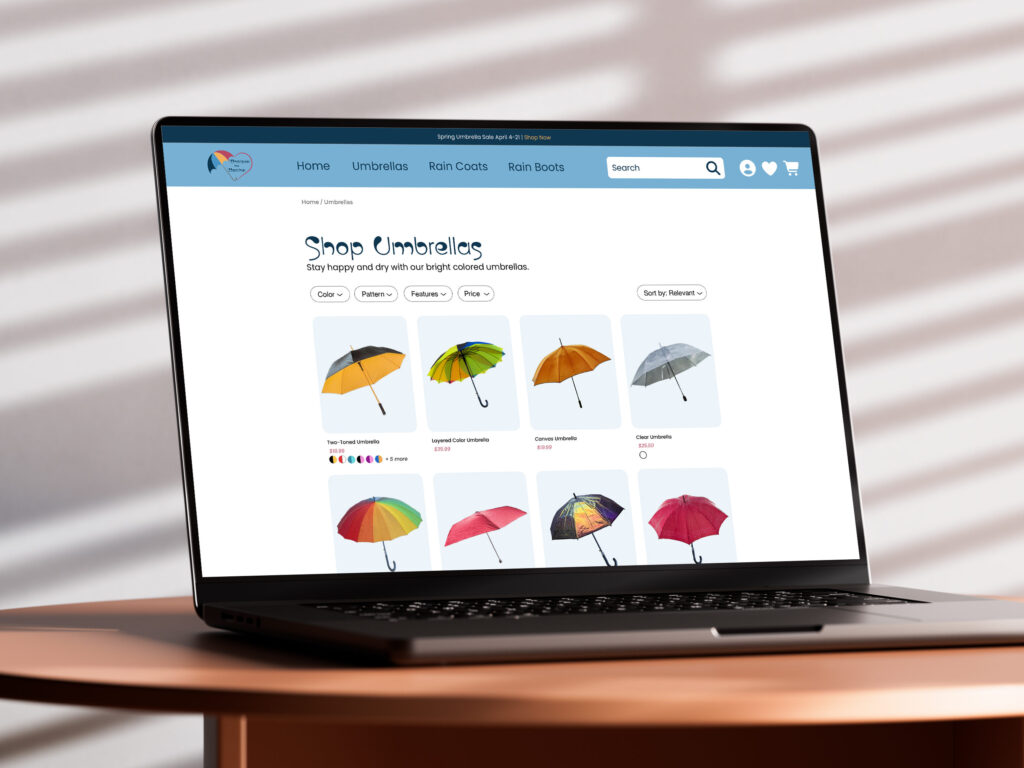
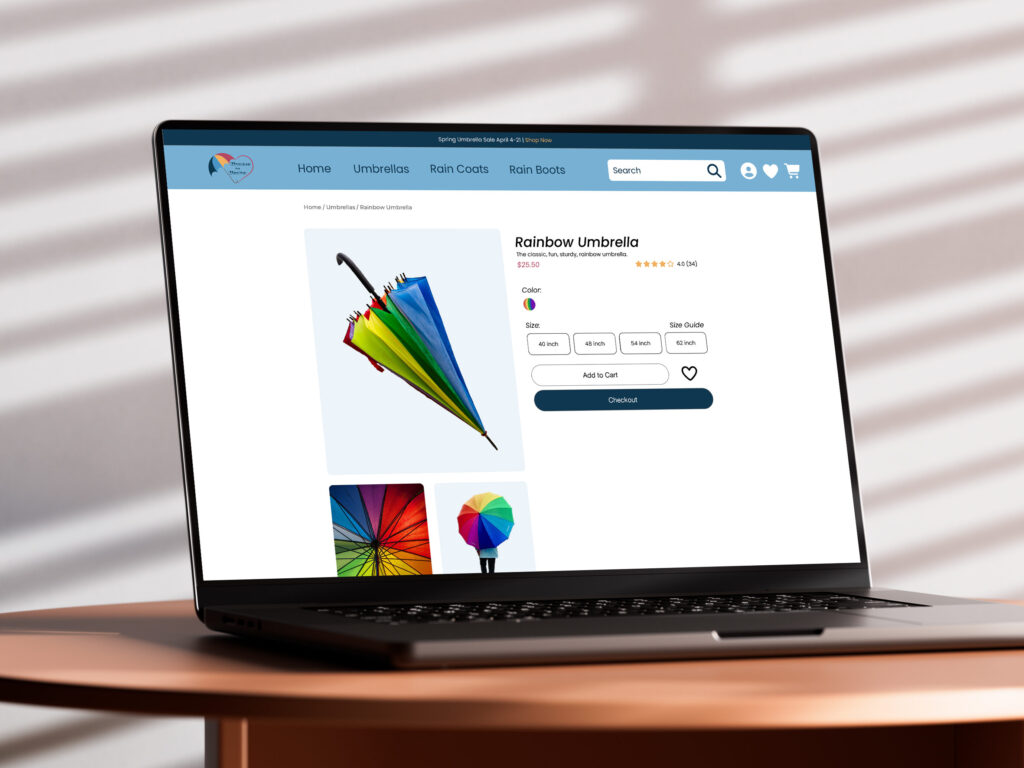
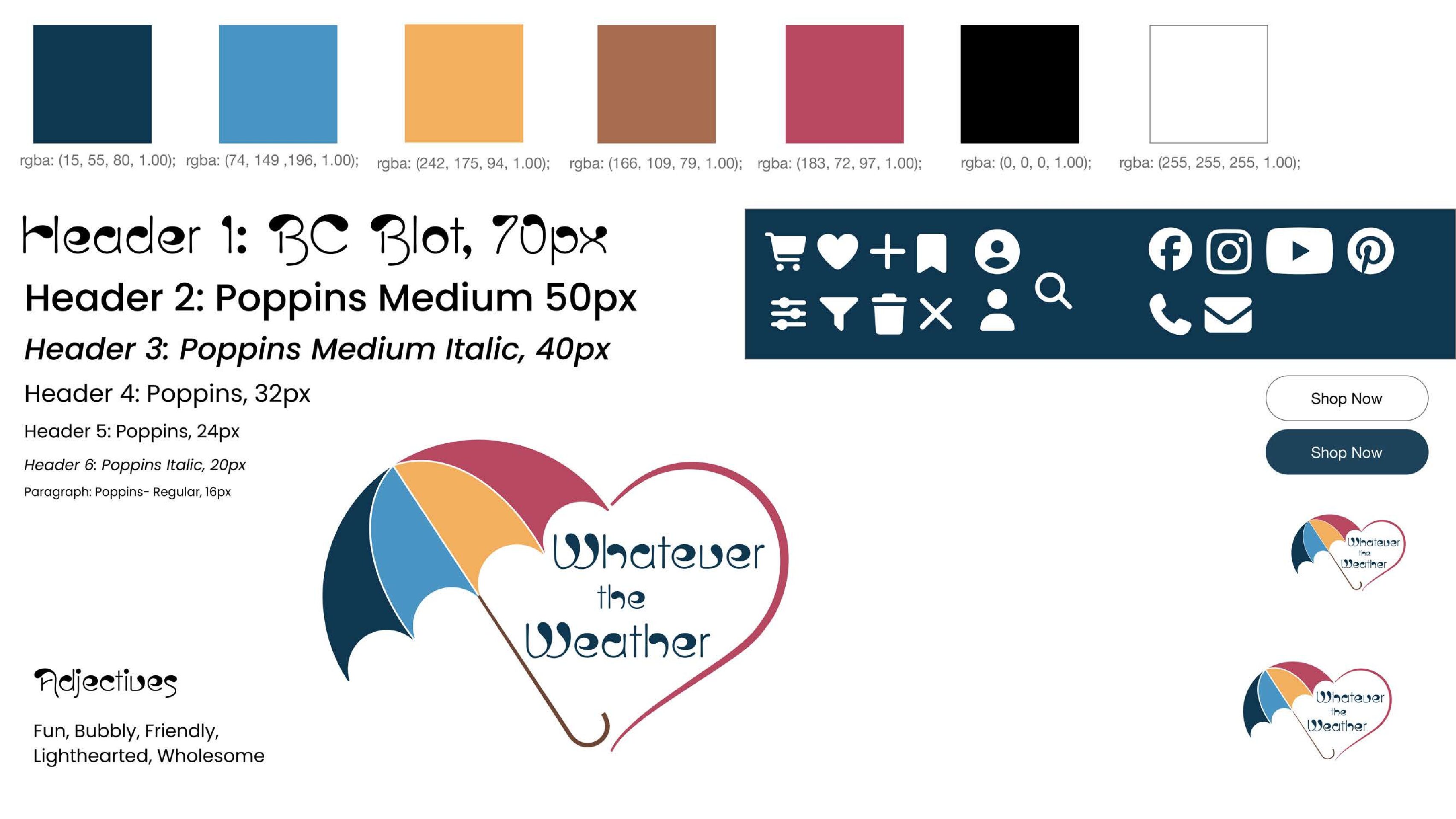
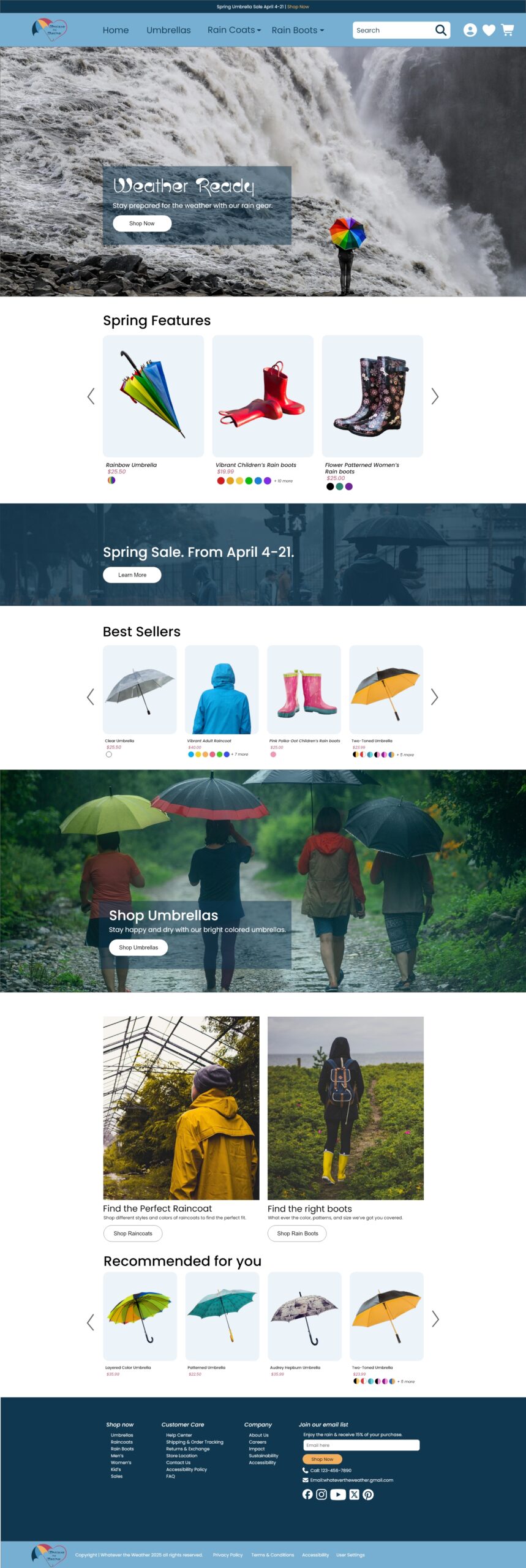
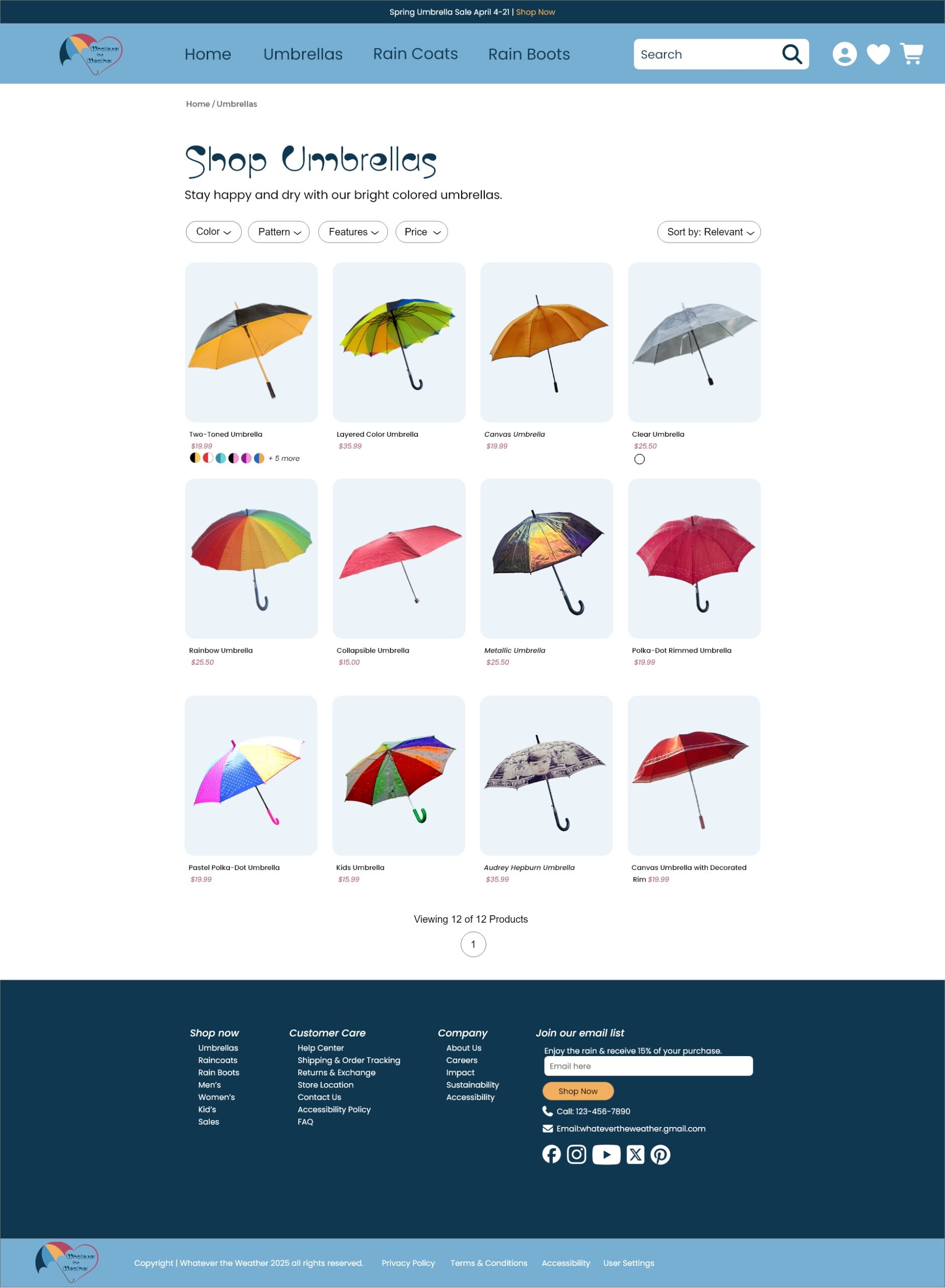
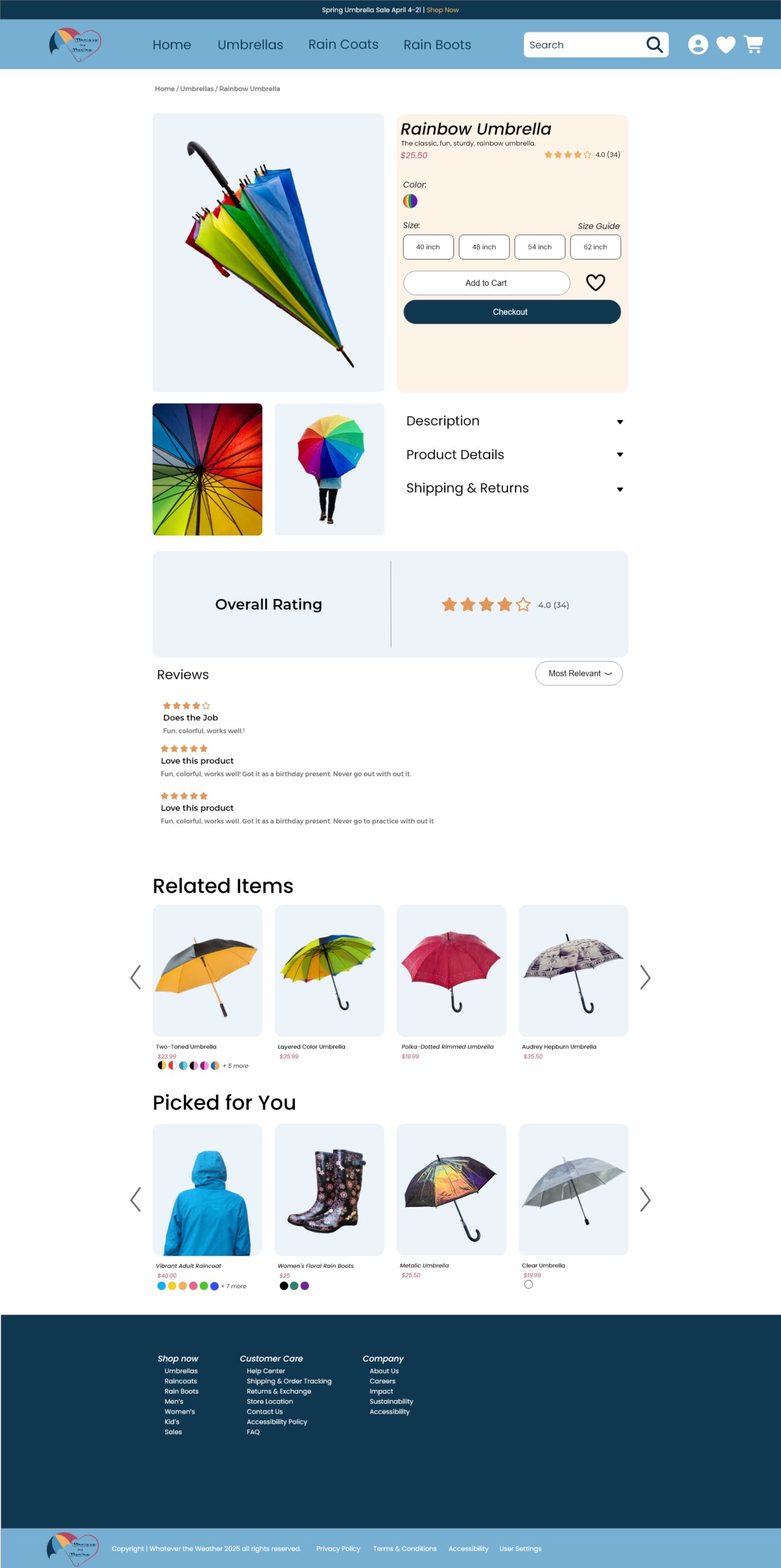
Whatever the Weather Online Store
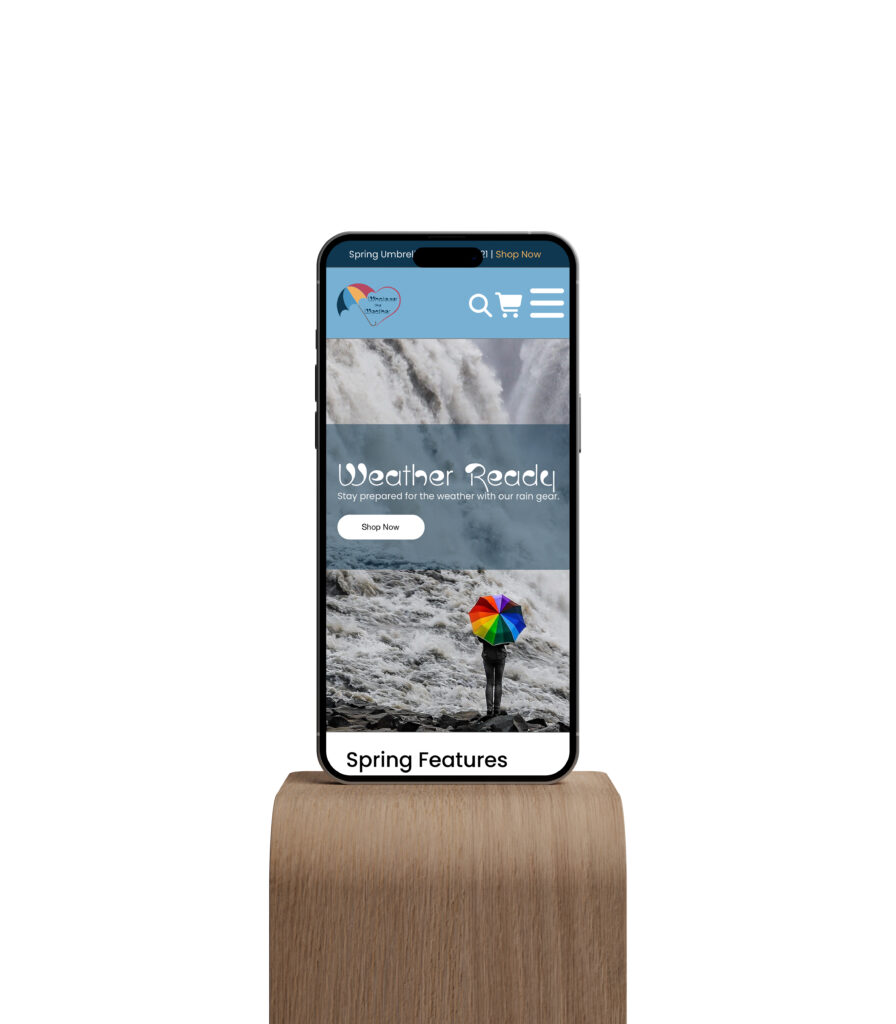
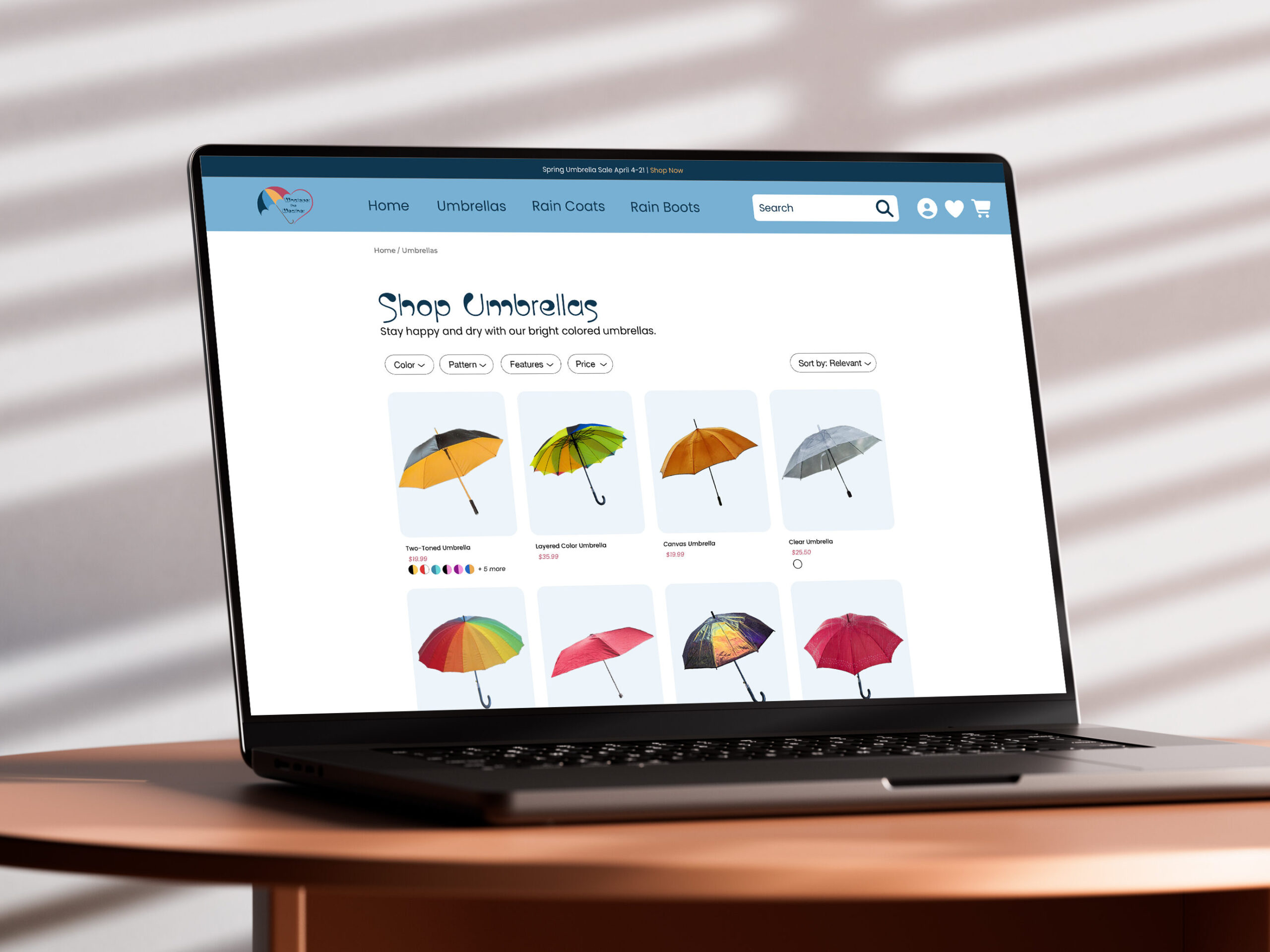
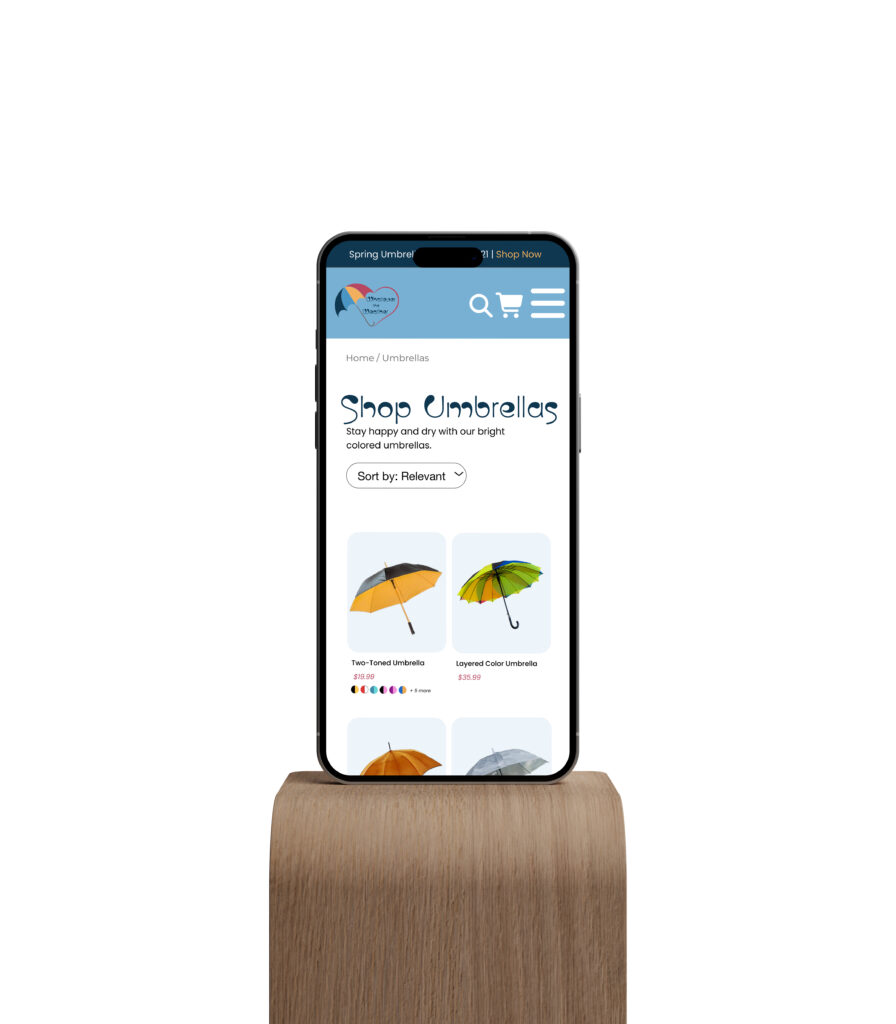
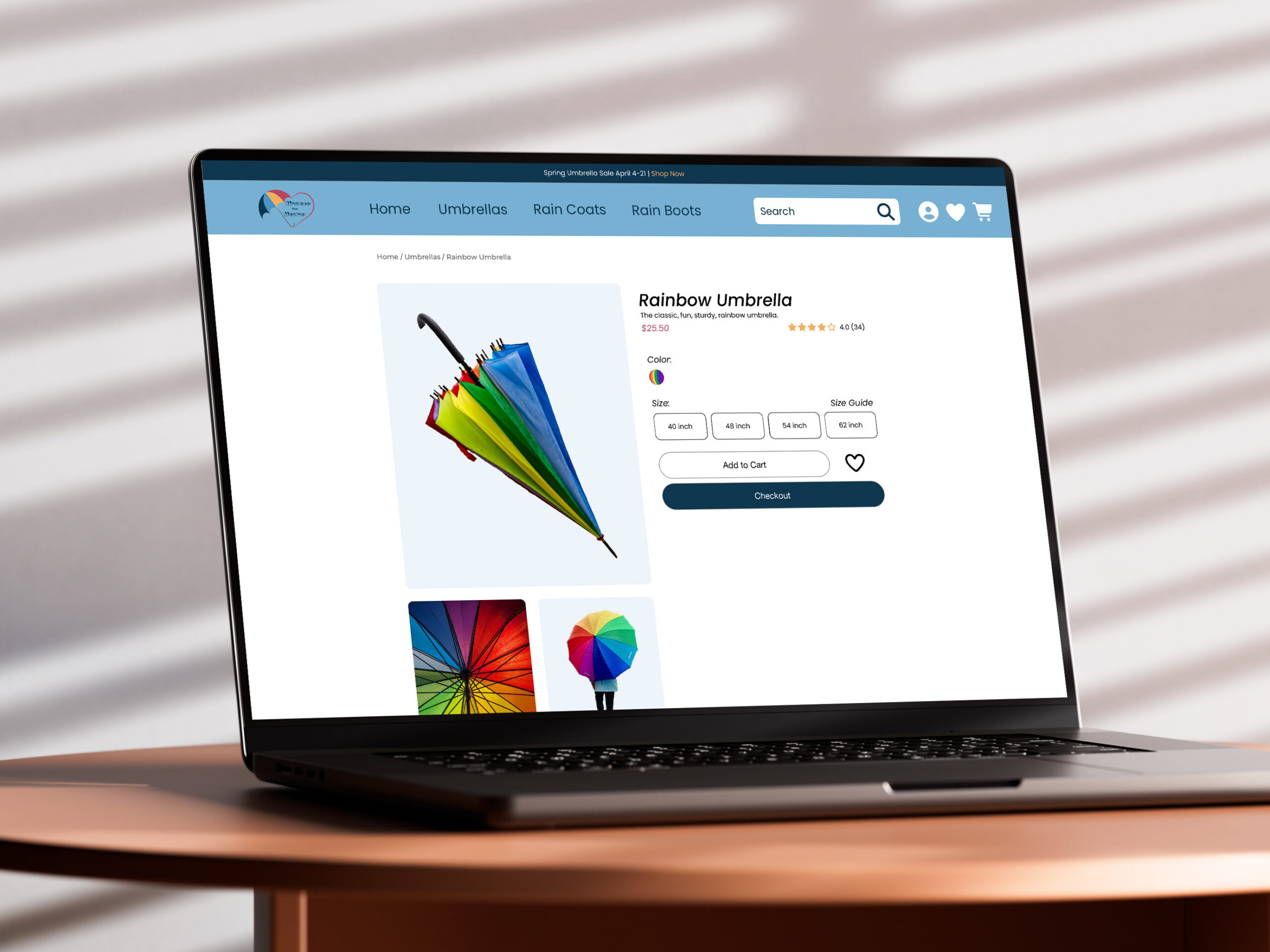
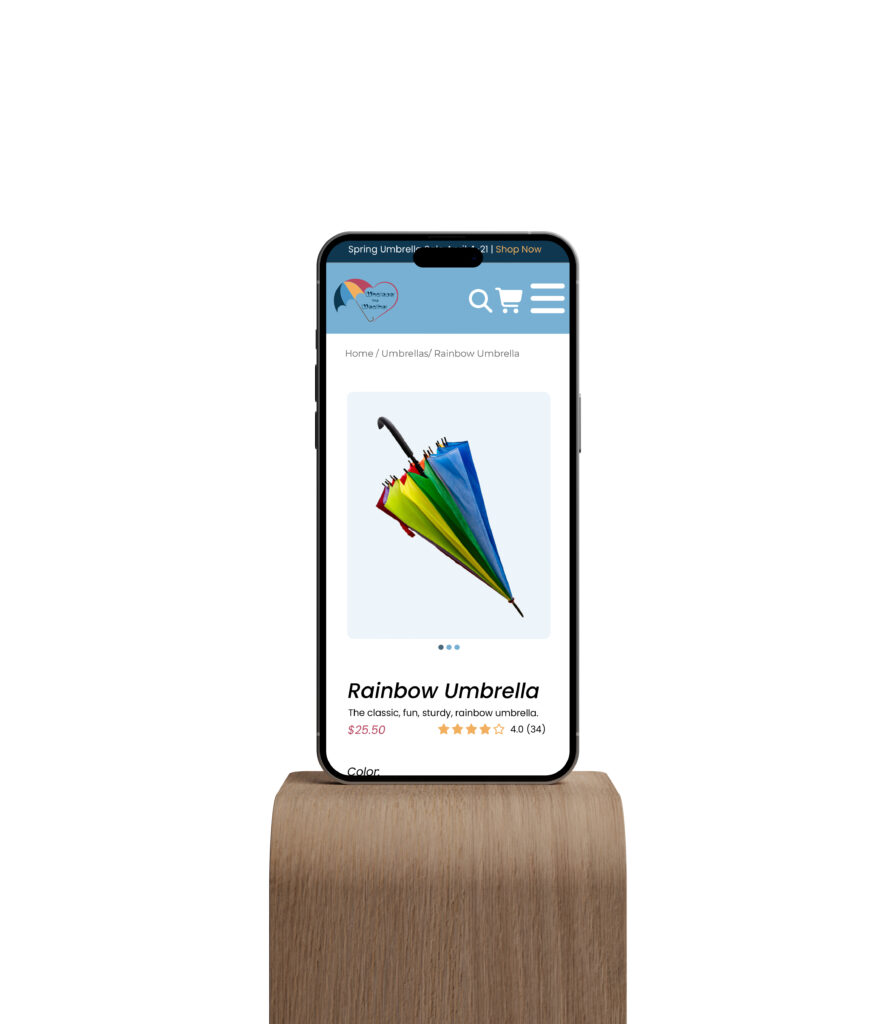
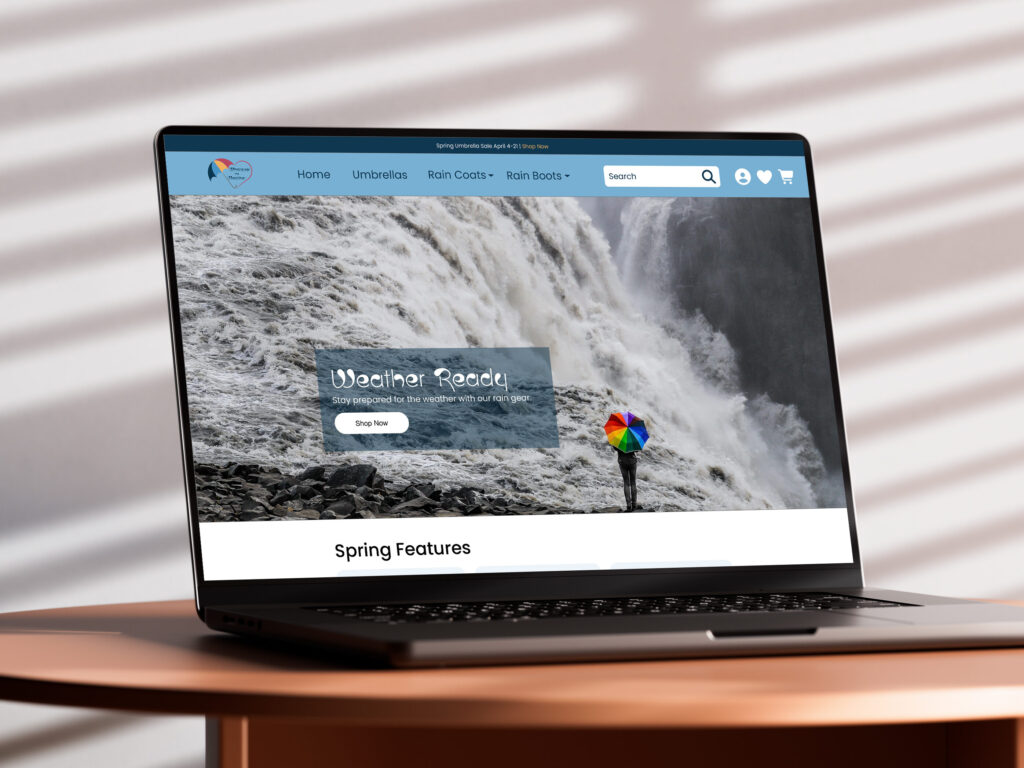
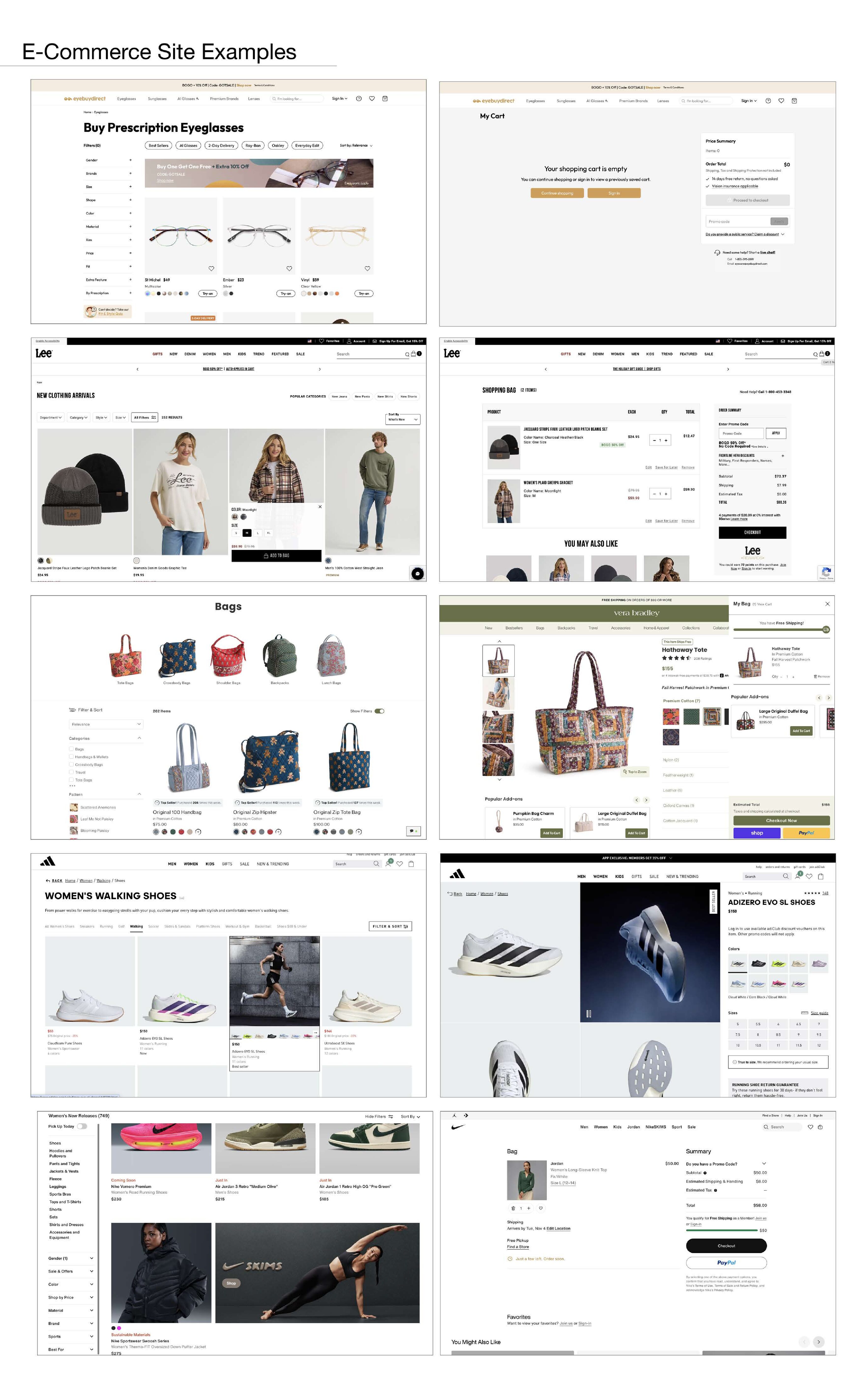
This project required me to invent a store brand and create a website for it. Due to course time restraints, the website only needed to have a home page, one department page, and one product page. To achieve the final product, I researched shopping website trends, applied them to my pseudo-brand in Adobe XD, and coded the XD layout using HTML and Bootstraps. With this project, I learned how to target areas of code to make them display differently on a mobile view. On top of this, I gained experience working with functional aspects of code such as breadcrumbs, accordions, and page numbers.